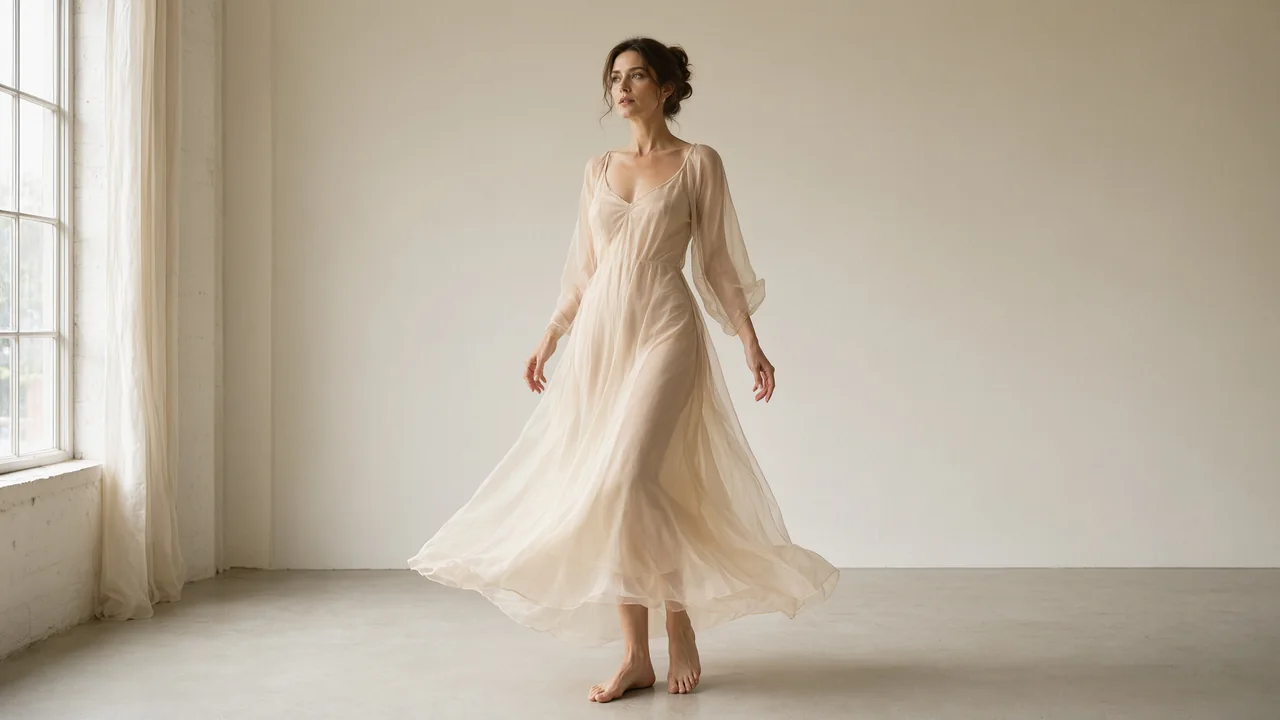
Turn a visual idea into motion
Animate an authorized image with a focused movement and camera direction. Review the whole clip before directing the next version.
Animate an image Unlucid AI
Create adult-oriented AI videos and images from text or your own references. Shape the look, add motion and refine your next idea.
Sign in to explore the available models and review your Credits.
18+ only. Use authorized material with adult consent. Model content rules apply; explicit-content support is not guaranteed. Read the guidelines
Unlucid AI is an NSFW AI generator for video and image, built for adults 18+. Describe a scene for text-to-video, animate a reference with image-to-video, create a still with text-to-image, or explore a variation with image-to-image. Choose the available model and review its settings and Credit estimate before each request.
Open the studio| Workflow | Start with | Result and when to use it |
|---|---|---|
| Text to Video | A written scene and motion prompt | A video. Start here to invent a scene without a source image. |
| Image to Video | An authorized image and a motion prompt | A video. Start here when an image already gives you the look. |
| Image Generation | A written image description | A still image. Explore a composition before deciding what moves. |
| Image to Image | An authorized reference and a written change | A new still image. Explore a different look from an existing reference. |
Choose an output, give the model a clear brief and review the result. Keep the first request focused so the next change is easy to judge.
Decide whether you need a moving scene or a still composition. Start from a text prompt, or choose an authorized image as the reference for animation or a new variation.
Describe the subject, style and lighting. For video, add one clear movement and a camera direction. Select an available model and settings, then review the Credit estimate before generating.
Inspect an image at full size or watch a video from beginning to end. Check the details, save the result you want to keep and change one instruction when you try another version.
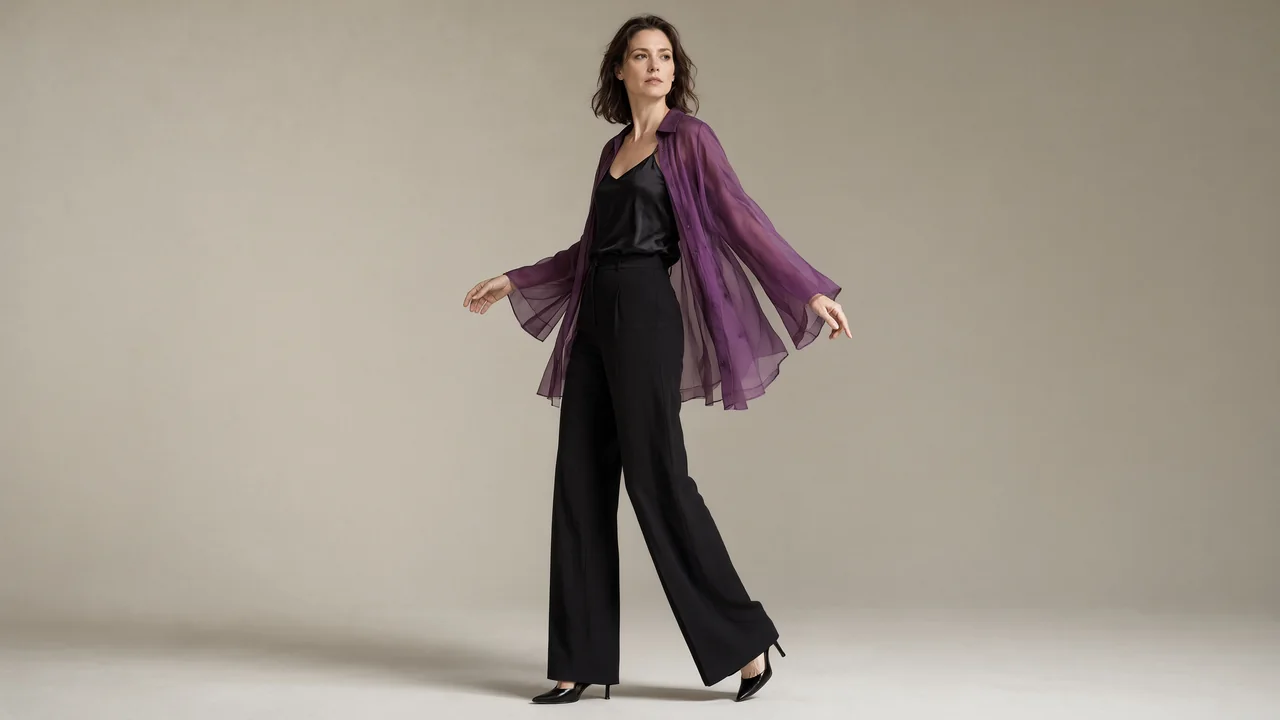
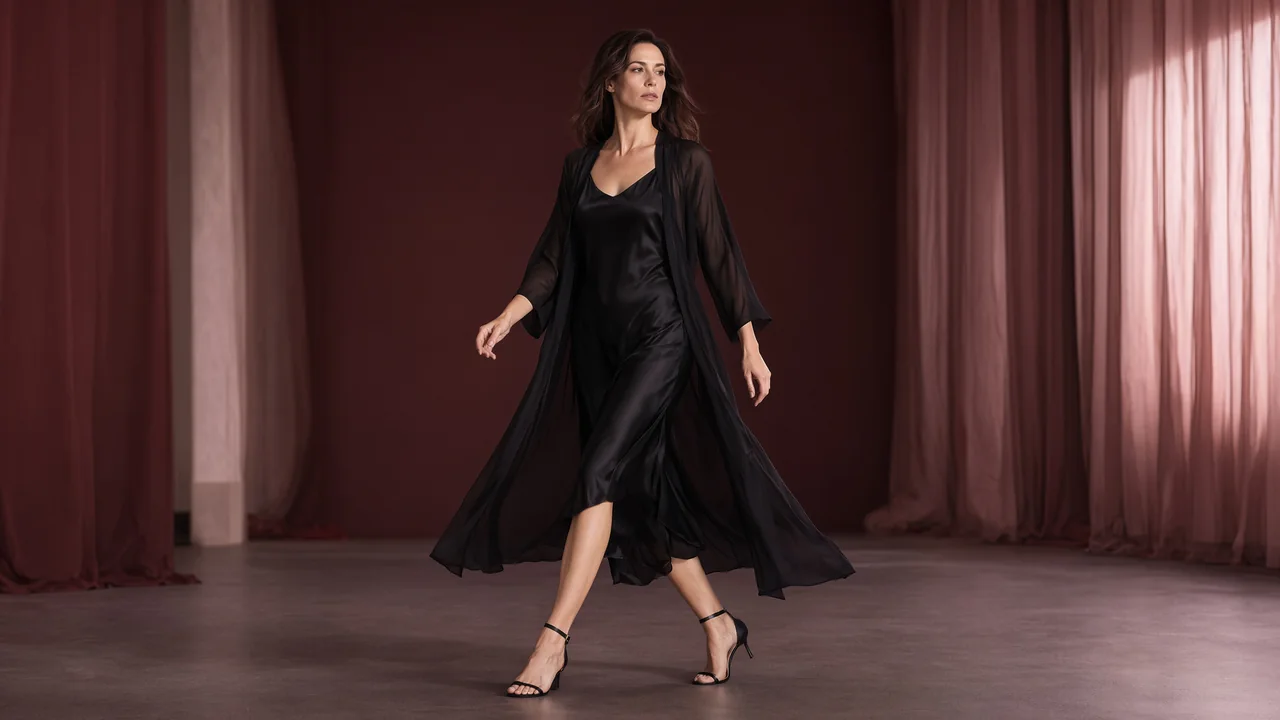
See how an original campaign image becomes a moving scene. These paired examples explore composition, lighting and motion; use them as direction for your own video or image brief.
4 sample clips · 8 seconds each · 1280 × 720. View sample file details.
Animate an authorized image with a focused movement and camera direction. Review the whole clip before directing the next version.
Animate an imageExplore a subject, outfit, light and composition as a still. Refine the visual direction before deciding whether to add motion.
Create an AI image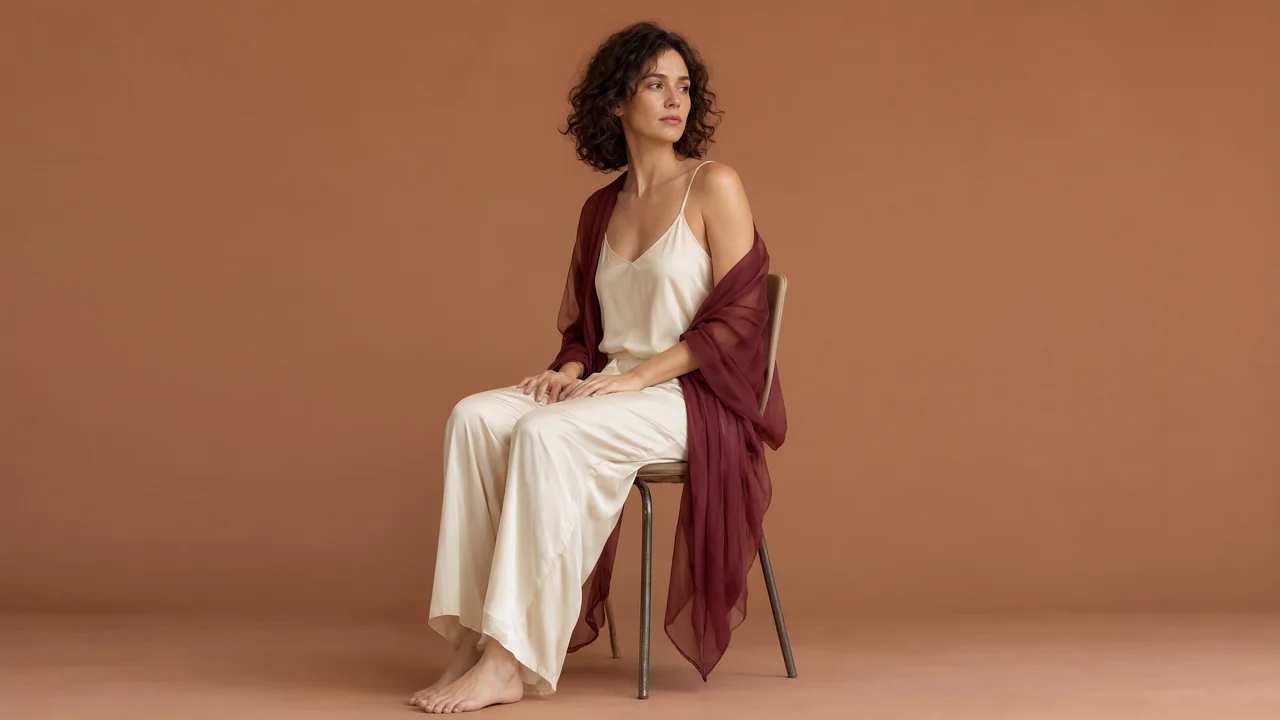
Use an image you can process and describe a new lighting, style or setting. Compare the variation with your starting reference.
Transform an imageOriginal image and video campaigns commissioned for Unlucid AI through WaveSpeed. Examples use fictional adults and a non-explicit fashion brief. Your results depend on the model, reference and settings.
Choose the right video or image workflow, understand Credits and prepare your first reference.
Unlucid AI is an NSFW AI video and image generator for adults 18+. Use text-to-video to invent a moving scene, image-to-video to animate an authorized still, text-to-image to create a new visual, or image-to-image to explore a variation of a reference. Model content rules and available settings appear in the workspace.
Start with text when you want to describe a new video or image. Start with an authorized image when you want to animate its appearance or guide a new still. Choose video for movement and image for a single composition; each workflow has its own available models and controls.
Yes. Create or choose an image you have permission to use, then use it as the starting reference in Image to Video. Describe the movement and camera direction. The source guides the opening look, but details may change during motion, so review the complete clip.
The Image to Image workflow accepts an authorized reference and a written instruction. Describe the lighting, style or composition to change and the details to preserve. It creates a new output guided by that reference; exact preservation is not guaranteed.
Select a model in the relevant tool to see its supported inputs and output controls. Video duration, framing, image dimensions and other options depend on the current setup. A prompt cannot add a setting that the selected model does not support.
The Credit estimate depends on your workflow, selected model and output settings. Review it beside Generate and compare it with your confirmed balance before submitting. A revised prompt or another attempt is a separate request. Pricing shows the currently available plans and Credit packs.
These are original campaign images and clips commissioned for Unlucid AI through WaveSpeed, using Qwen Image 2.1 and Wan 3.0 Spicy. They are separate from account-generated Studio results. Sample file details document the commissioned examples; your own results depend on your inputs, model and settings.
Upload material you own or have permission to process. For a real person, obtain consent for the intended transformation and use; every person in an adult project must be an adult. Before sharing or commercial use, check the source rights, complete output and applicable model, plan and service terms.
Sign in to review your balance and available models. Choose a setup in Studio and see its estimate before generating. See how credits and pricing work.
Unlucid AI
This site contains adult content. By entering, you confirm that you are at least 18 years old and of legal age to view adult content where you live.
LeaveWe’ll remember your choice in this browser for 30 days.